Channel sheet · CH-16 · gain 4 min · logged November 11, 2026
Automation & AgentsDirect input
Adobe previews outside AI agents inside Photoshop, Premiere and two more apps
Adobe's November 10 preview lets outside AI agents edit native files in Photoshop, Illustrator, Premiere and After Effects, with a private beta planned for early 2027.
By Amara Osei4 min read716 words
Signal notes
- Adobe announced the local MCP preview on November 10, covering four apps: Photoshop, Illustrator, Premiere and After Effects.
- A private beta for the local integrations is planned for early 2027; nothing is generally available today.
- Layers, vectors, bins and sequences remain editable after agent work, Adobe says.
- Adobe has disclosed no measured time savings or performance results for the integrations.
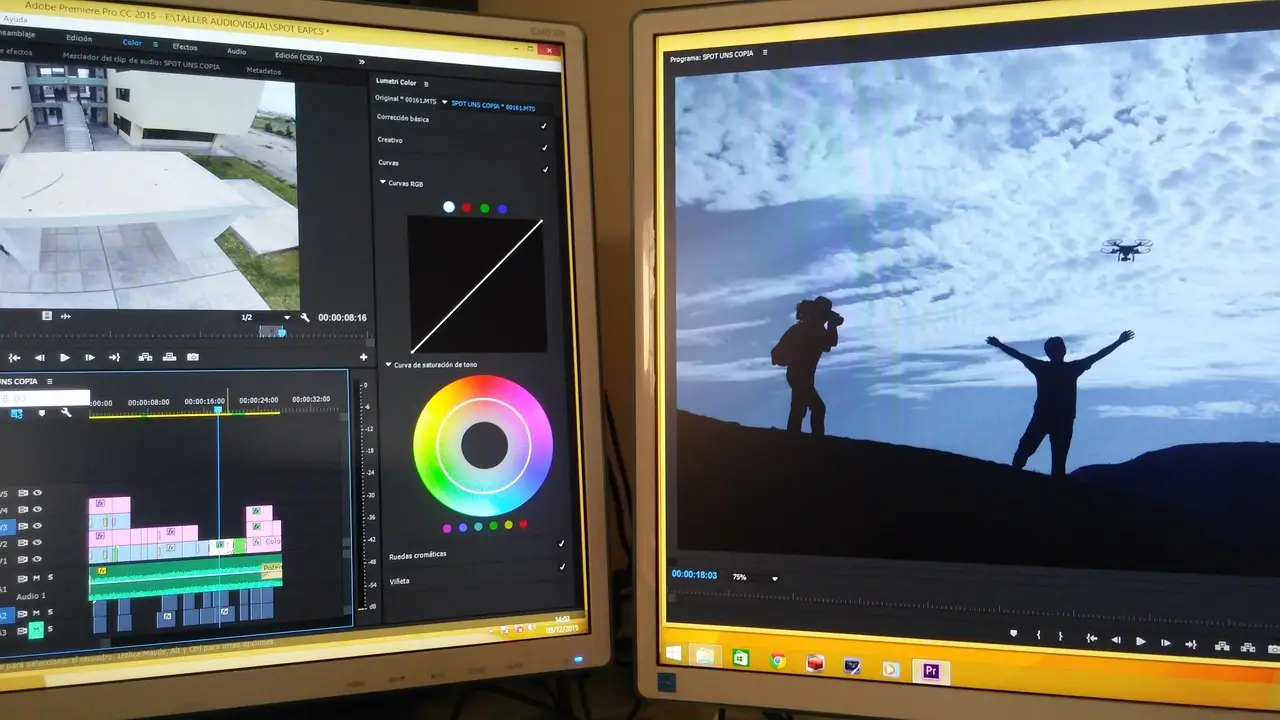
On November 10, Adobe announced it is previewing local integrations that let outside AI agents make changes inside Photoshop, Illustrator, Premiere and After Effects — with a private beta planned for early 2027 and nothing generally available today.
The four named applications are the core of the story. Adobe says outside agents will work directly on native project files, keeping the editable structure available for a creative professional to refine afterward. That points toward a different production handoff: an agent carries out work inside the software a team already uses, rather than delivering an exported asset through a separate interface.
The point is the project, not the export.
What does the technology actually do?
The integrations use Model Context Protocol, or MCP, a standard for connecting AI agents with external tools. A professional could direct their preferred agent to work locally in a creative application — pulling a brief from Google Docs, editing a project through Creative Cloud, then sharing the result in Slack, in Adobe's described example.
That example depends on the agent also being connected to those other tools. The announcement does not establish identical capabilities for every assistant or account.
For marketing teams, the boundary that matters is the project itself. Campaign assets often need several revisions before they're ready: a different crop, an adjusted sequence, a changed visual treatment. Working in the native file keeps those decisions inside the production environment.
Why does editable output change the handoff?
An editable project is a different deliverable from a finished image. Adobe says layers, vectors, bins and sequences will remain editable, and professionals can intervene and refine the work by hand.
"The ideas, taste, style and vision that creative professionals bring to their work are what make their work stand out," said Deepa Subramaniam, Adobe's vice president of product marketing for Creative Cloud.
The familiar assumption says automation earns its keep by cutting human touches. But a quick result loses value if a designer has to reconstruct it before making an ordinary revision. Creative control depends on what can be revised, not just what can be approved.
One gap: Adobe has not disclosed measured time savings or campaign performance results for the local integrations. Their value will have to be tested against actual files and real review habits, not inferred from the presence of an agent.
How does this differ from Adobe's other AI rollouts?
Adobe's announcements span several products with different jobs and release states, and conflating them makes pilot planning harder. Three separate capabilities are on the table:
- Local Creative Cloud MCP integrations — outside agents working in native desktop projects; private beta planned for early 2027.
- Adobe Creative Agent assistants — Adobe's own assistance inside flagship desktop apps; beta availability, with Photoshop assistance in its beta app.
- CX Enterprise Coworker integrations — previously announced access to Adobe's marketing orchestration agent through outside AI assistants.
The local-file preview is distinct from the earlier CX Coworker rollout. One concerns creative application work; the other concerns access to a marketing orchestration system. Neither substitutes for the other.
Inside Premiere, Adobe also describes its own Creative Agent applying effects across a sequence and adjusting color or exposure across clips. That's the kind of repetitive production task Adobe is targeting — but it is not a promise about the exact tool set every outside agent will receive.
What should teams do before the beta?
The preview makes the production brief more important, because an instruction may travel across several applications before returning as a reviewable project.
- Specify the handoff. Decide whether the team needs a finished export, an editable project or a proposed set of changes — each creates different review responsibilities.
- Keep availability visible. The local MCP integrations are an early-2027 private-beta plan; existing Creative Agent beta features don't bring that date forward.
- Measure revision work. A useful pilot examines how easily a professional can inspect and change the result, alongside production time. That's an evaluation recommendation, not a disclosed Adobe outcome.
The integration layer becomes part of the creative brief. As agents take on more production steps, marketing teams may need to describe collaboration with the same precision they apply to brand guidelines. The real prize is work that arrives in a form the next person can continue.
via contentgrip.com (Source)
More from Amara Osei
Show full bio
News editor covering money, funding and market shifts around marketing professionals running AI in the stack at Mart Signal.
126 articles